Thursday, April 28, 2011

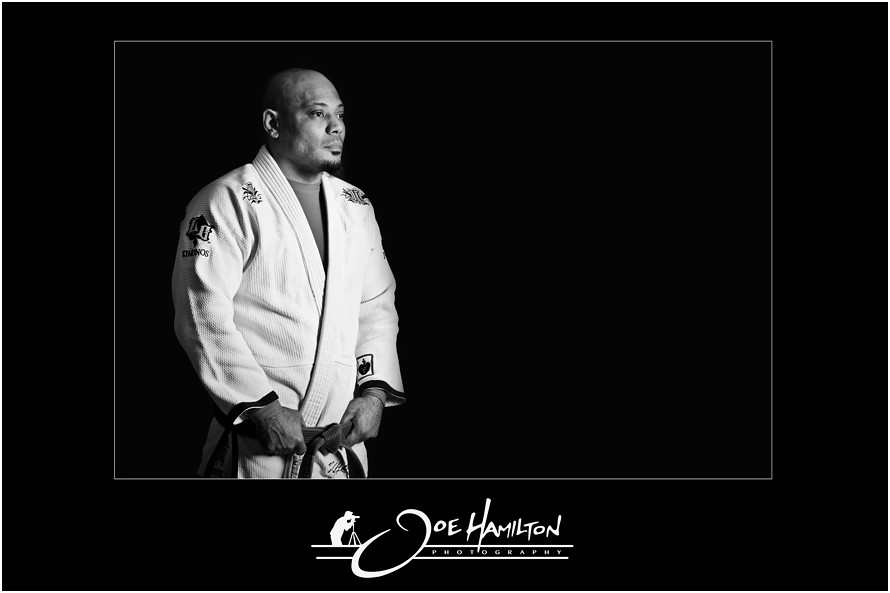
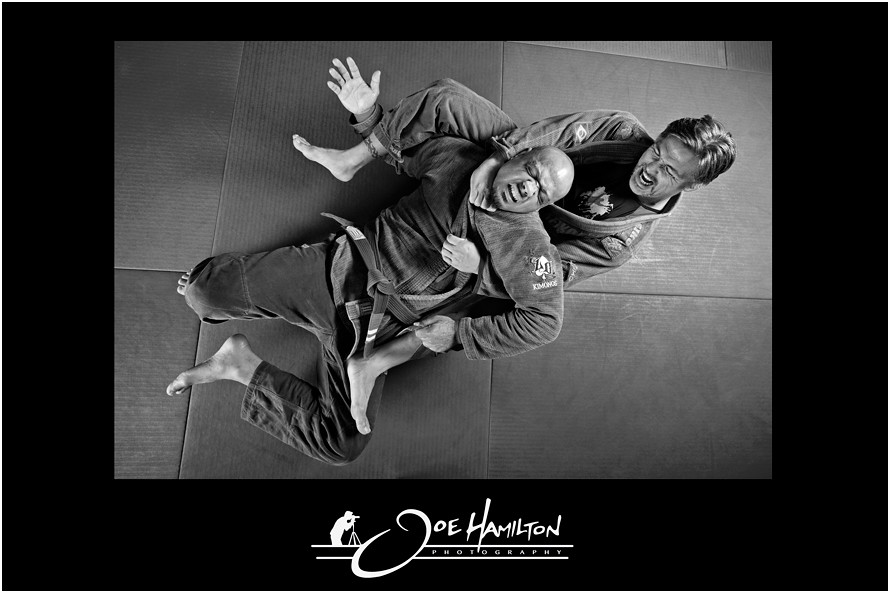
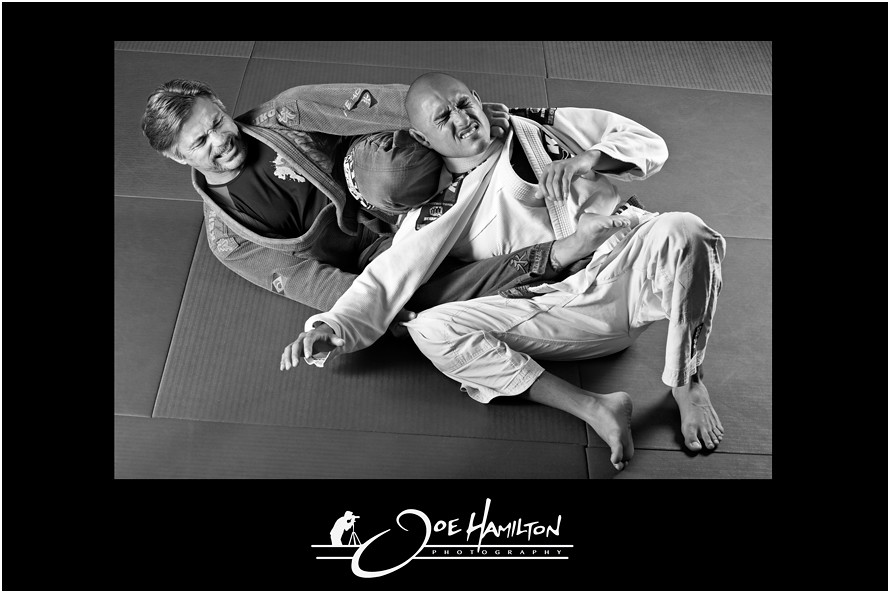
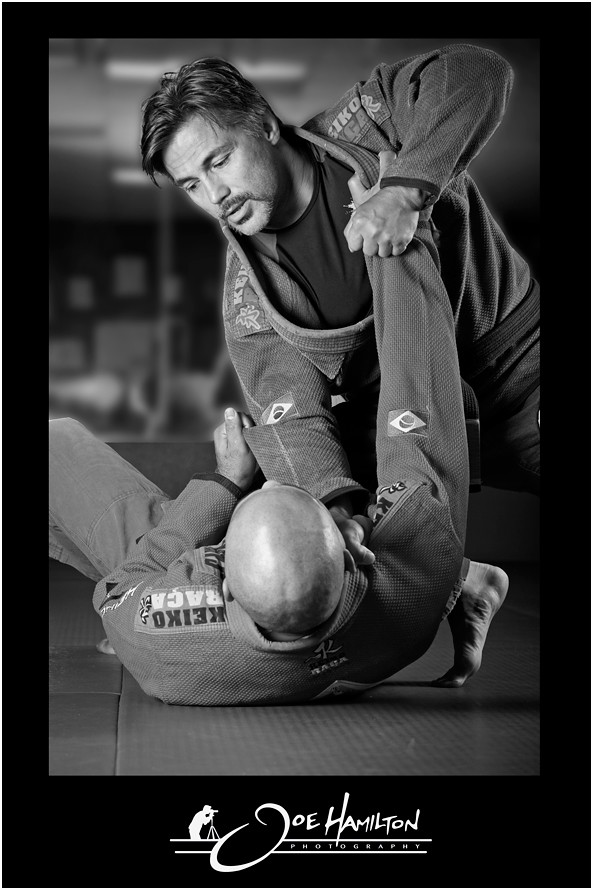
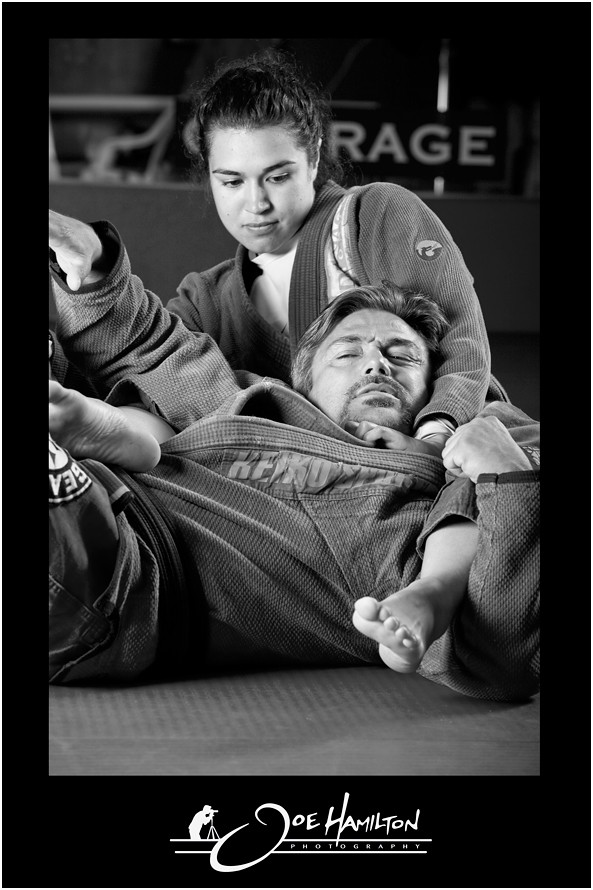
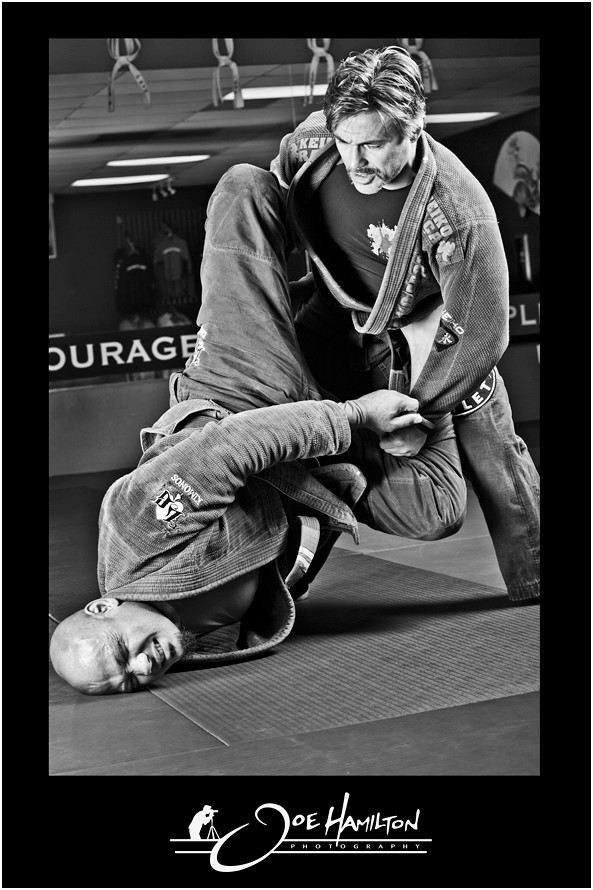
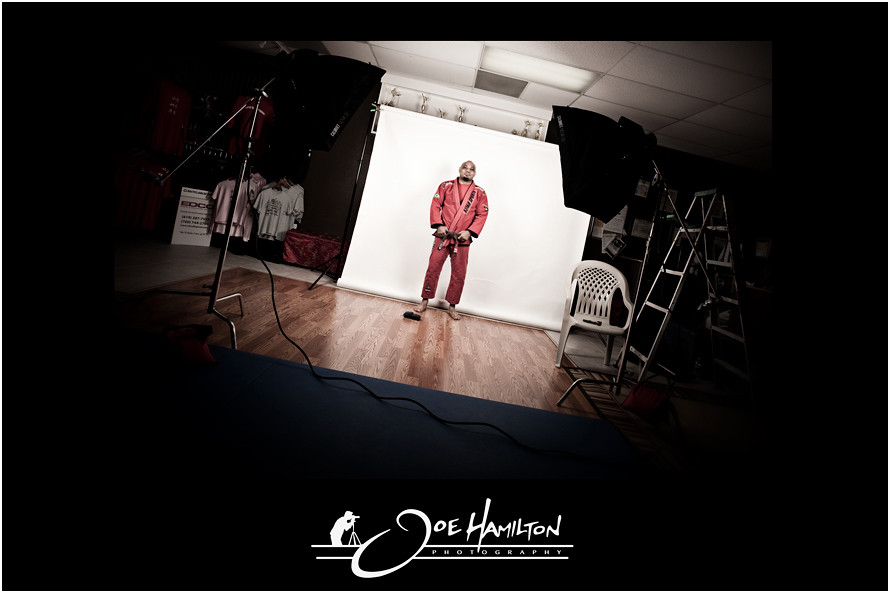
Team Magnitude - Brazilian Jiu Jitsu

"Team Magnitude"

www.TeamMagnitude.com

Joe Hamilton Photography

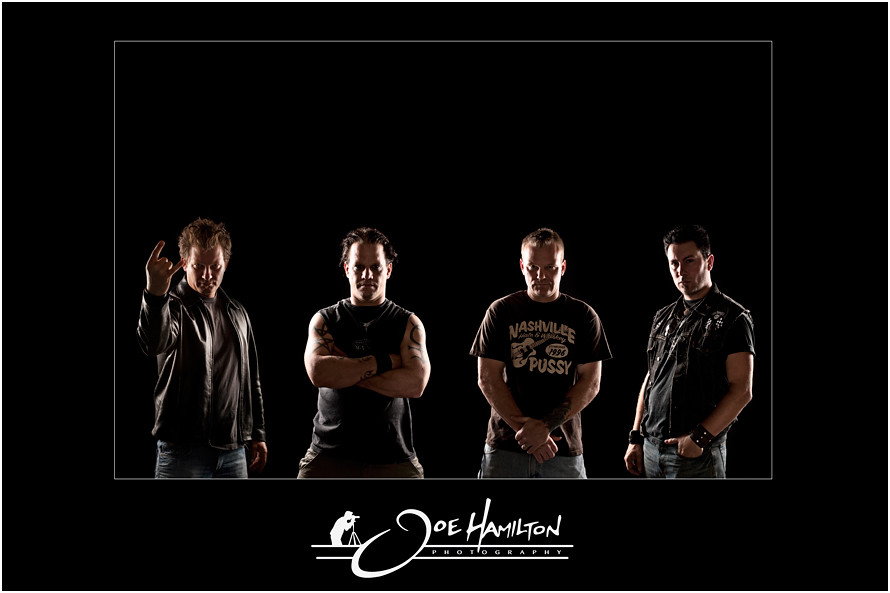
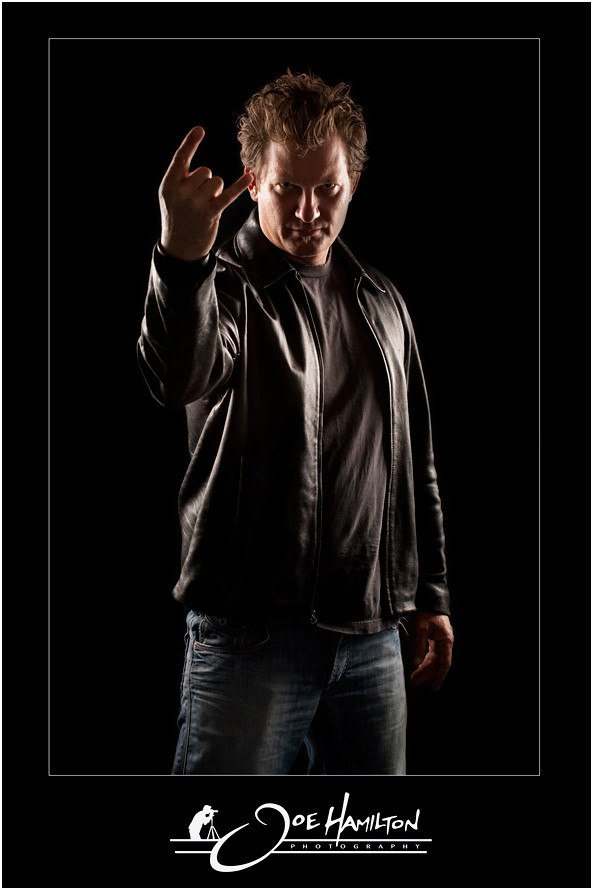
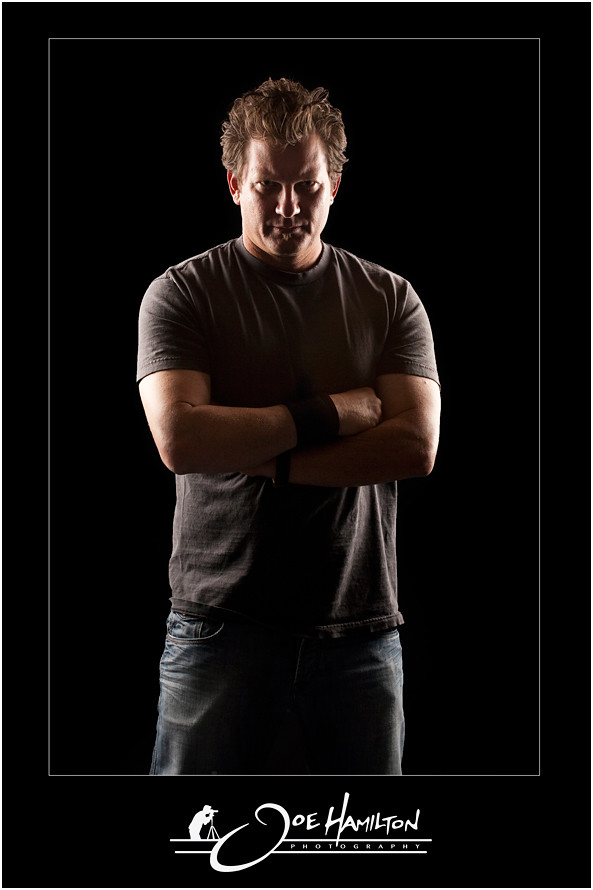
Rattlesnake Aces - Photo Shoot

The Rattlesnake Aces hit me up again to photograph Mario who is a new member of the band and was in need of a few portraits. Photographed these guys a few months back and they are preparing to release a CD in the near future. We had to swap out the old guitarist in the group image so I met up with Mario at their studio in San Marcos, California to snap a few photos.
As soon as the CD is released I will post a link to check it out.


Joe Hamilton Photography

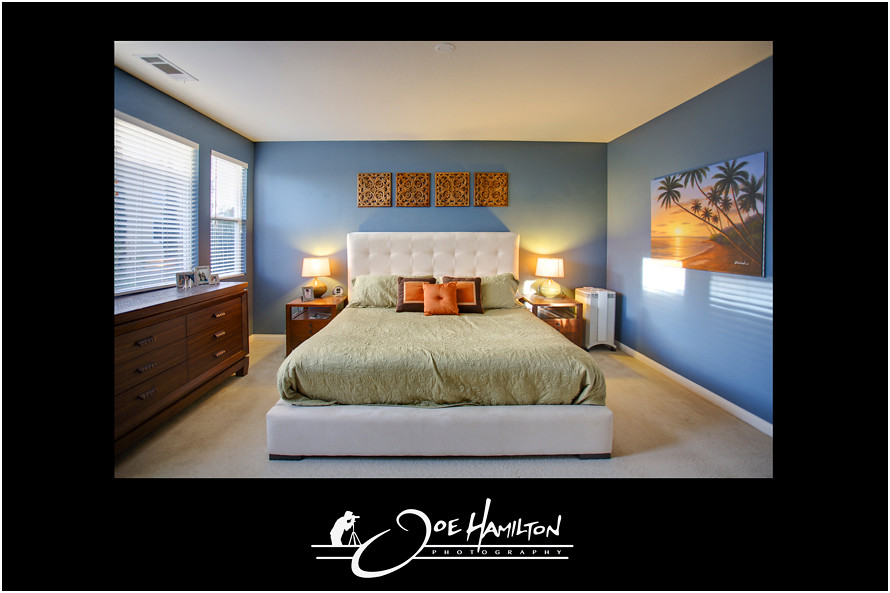
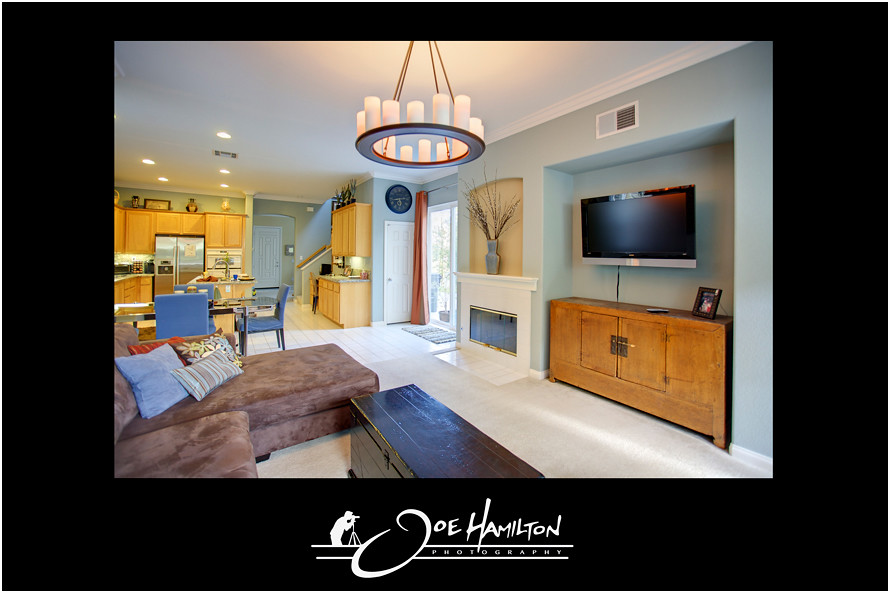
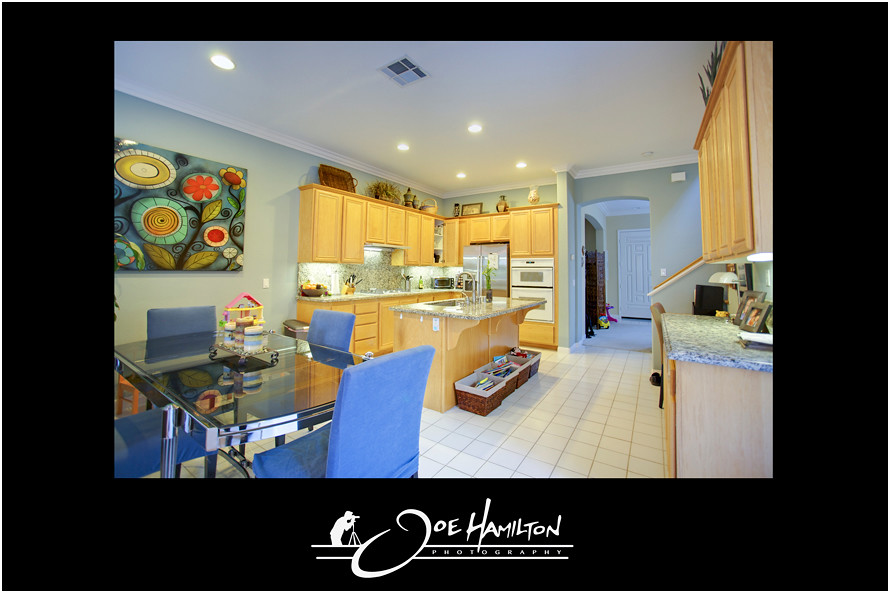
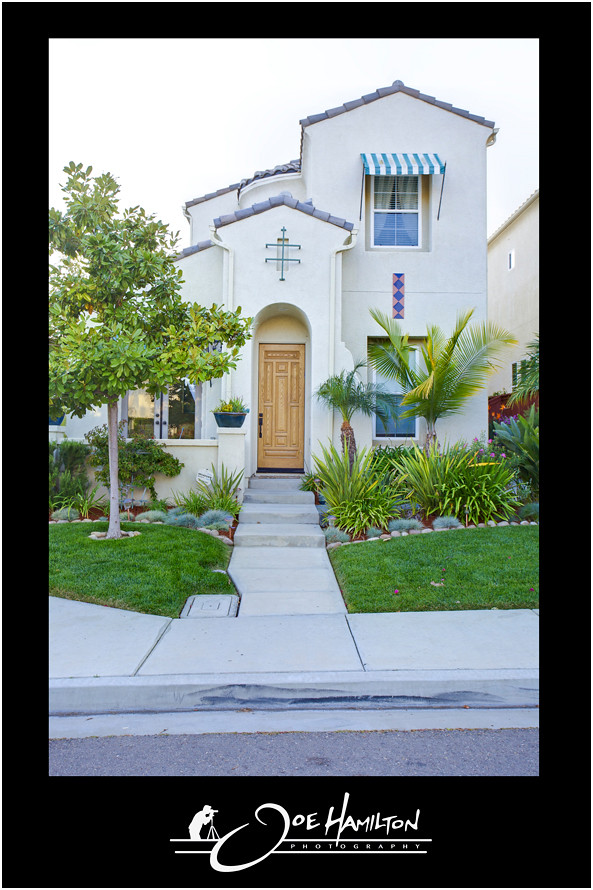
Real Estate Photography - 13944 Kerry Lane, Carmel Valley, CA 92130

3BR/2+1BA Single Family House - San Diego

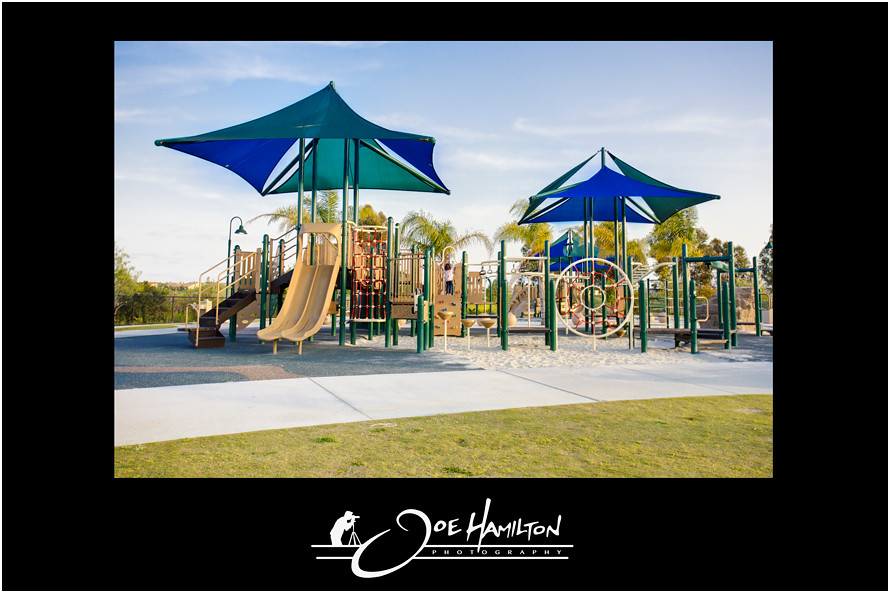
Stylish and charming! Crown moulding, newer paint, brand new granite slab counters in kitchen. Master suite has dual walk-in closets, master bath with soaking tub and dual sinks. Gorgeous curb appeal! Located in a great neighborhood with a large community park down the street. Award winning school district. Traditional sale, not a REO or short sale. Posted Courtesy of Hamilton Properties
For more information click this link - "13944 Kerry Lane Link"


Joe Hamilton Photography

Tuesday, March 29, 2011

JR: "Inside Out" - Project Video

JR-Art

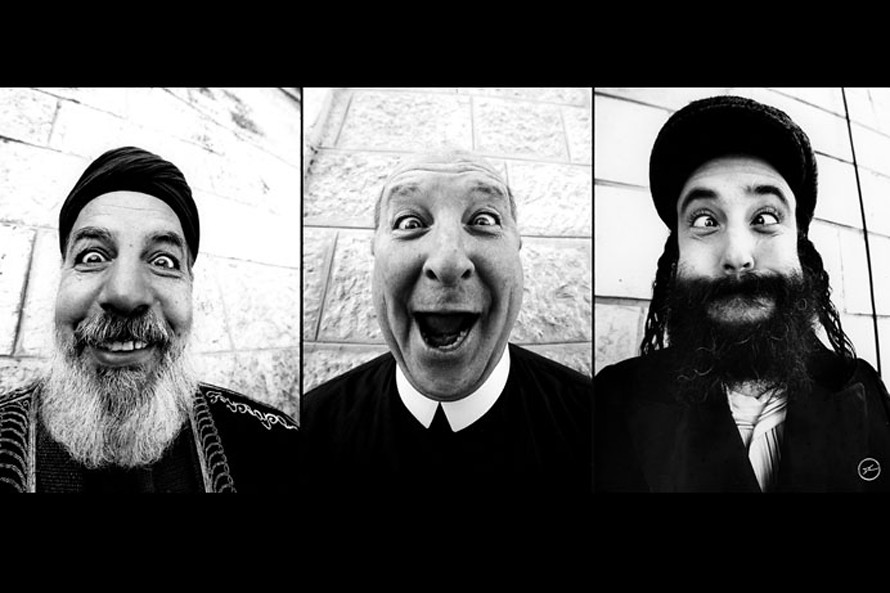
This video was sent to me by my wife Michele and I thought I would share for those who have not seen this yet. Very impressive to see what some can do with photography & art. Be sure to watch the video all the way to the end. Very cool to see the size and scale of some of these prints and how he assembles and uses them. Putting the religion & politics aside I do appreciate the size and magnitude of the artwork and how it is presented.
JR is a french street artist and is trying to unite people with a global art project. The project is called "Inside Out", which focuses on bringing communities together in the form of art. JR worked with TED who awarded him the 2011 prize for the project and Huge, which designed the website for the project. For more information and to see more work of JR check out his website.


Looking for a home in Santee, California?

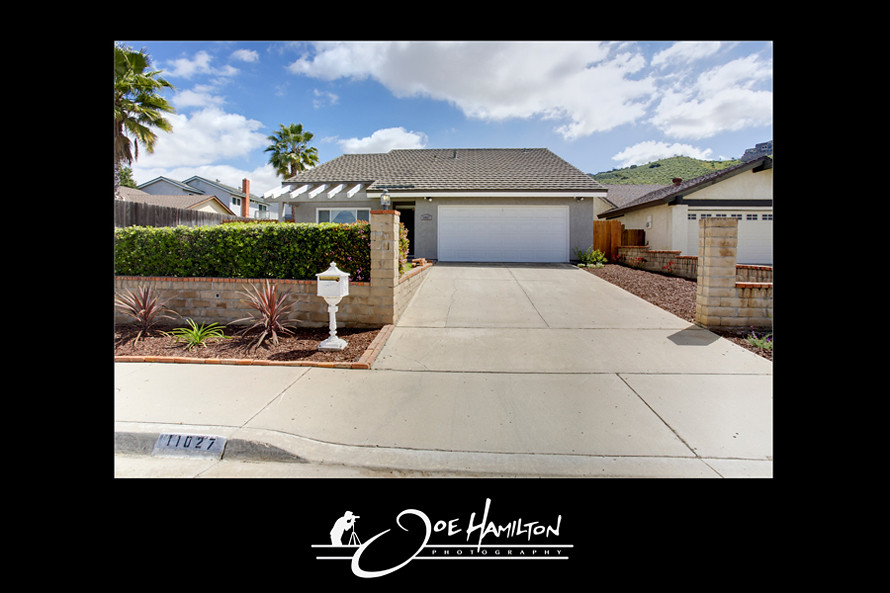
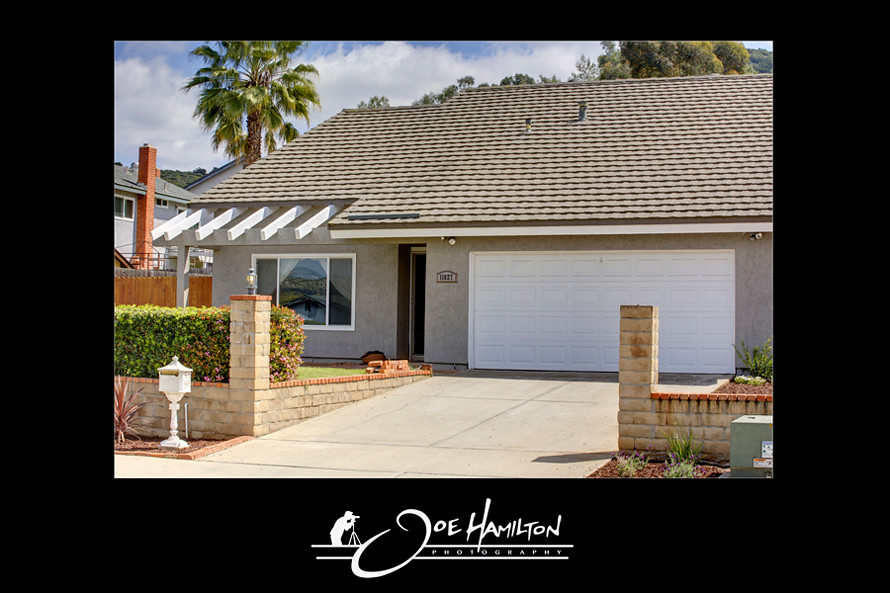
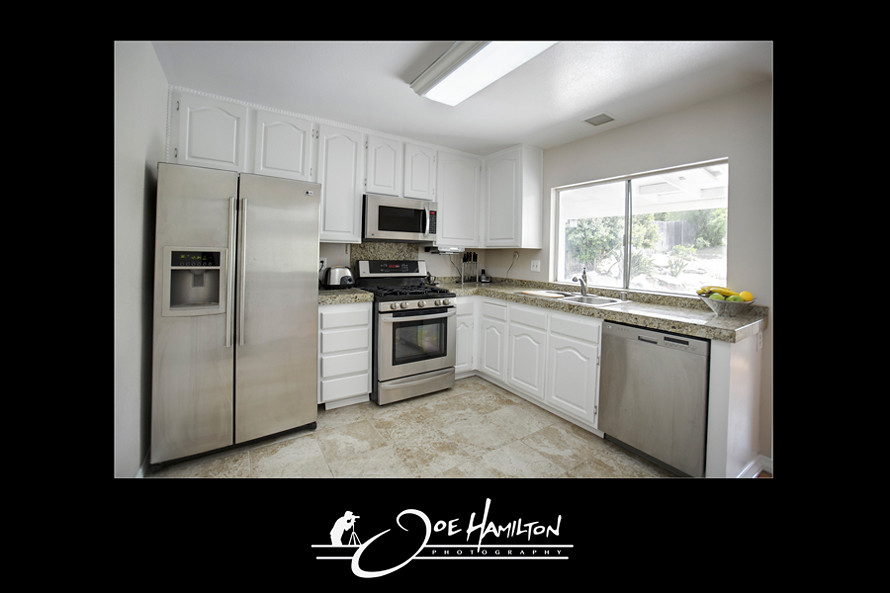
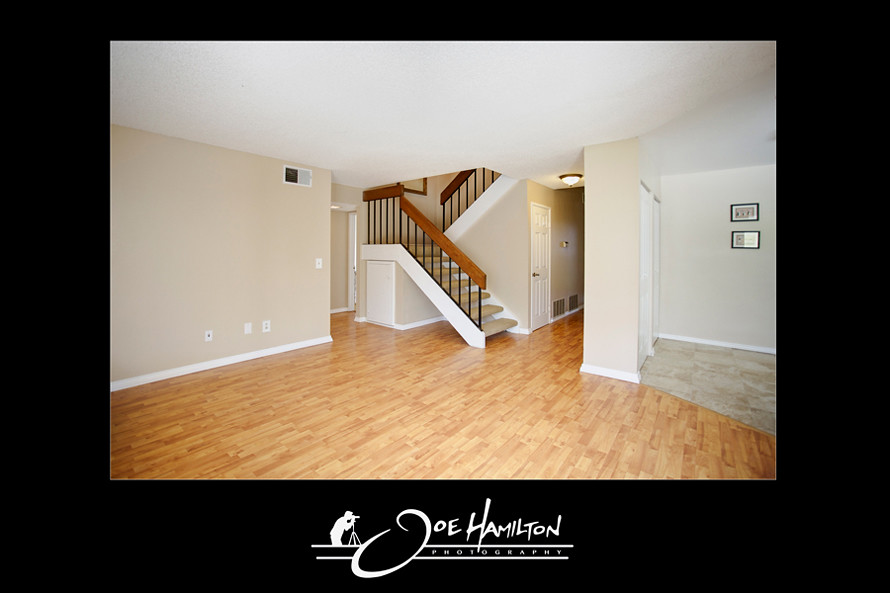
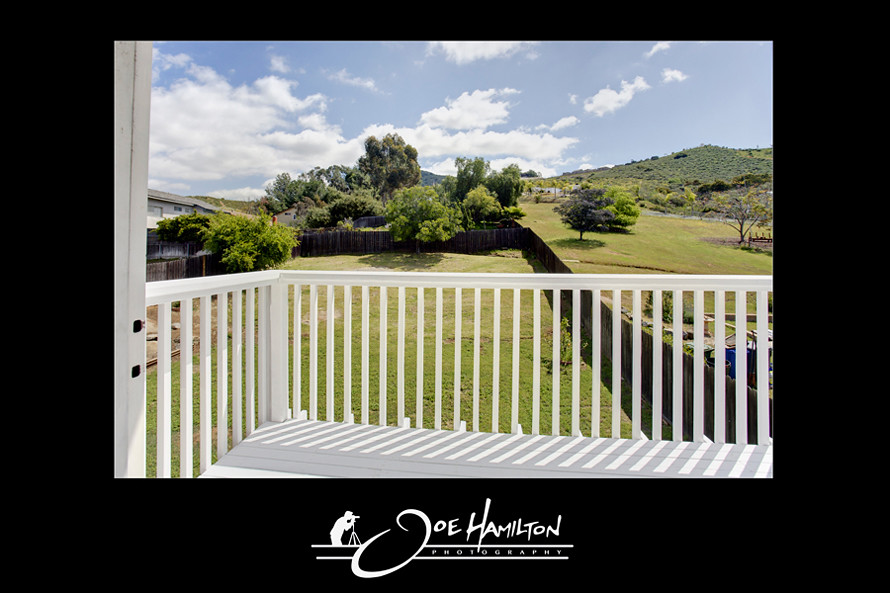
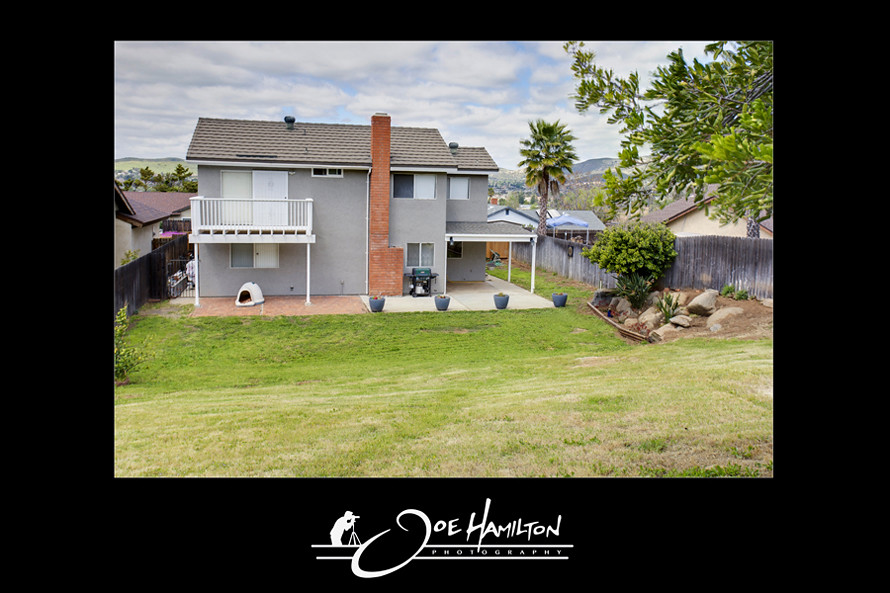
Photographed a new real estate listing yesterday for Scott O'Hara in Santee, California. This 1,817 square foot single family home has four bedrooms and 3 bathrooms. It is located at 11027 Eddington Road, Santee, CA 92071. This home is in the Santee School District and the nearest schools are Pepper Drive School & Santana High School.
For more information and to see more images of the property please contact Scott O'Hara with Mountain Trust Realty @ scott.ohara@sbcglobal.net.

11027 Eddington Road, Santee, CA 92071

11027 Eddington Road, Santee, CA 92071

11027 Eddington Road, Santee, CA 92071

11027 Eddington Road, Santee, CA 92071

11027 Eddington Road, Santee, CA 92071

11027 Eddington Road, Santee, CA 92071

Monday, March 28, 2011

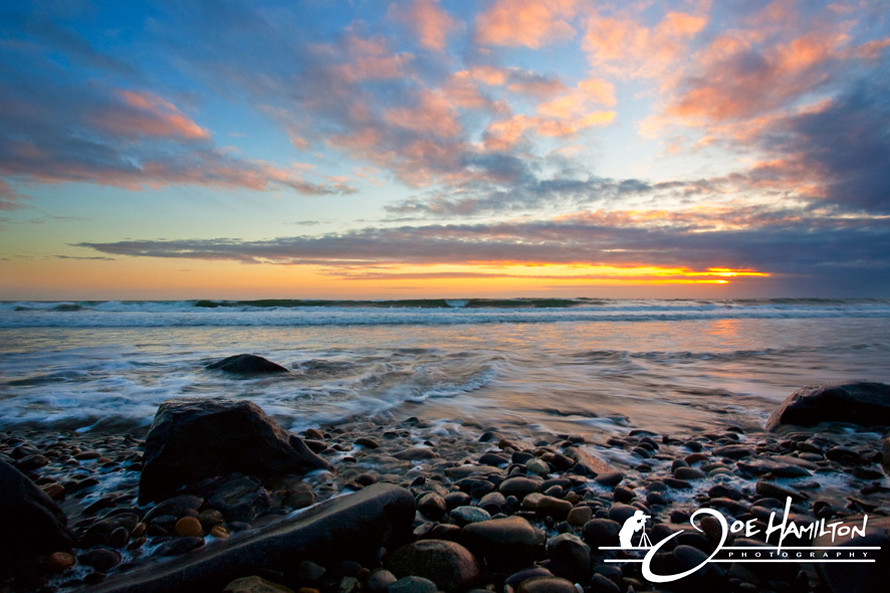
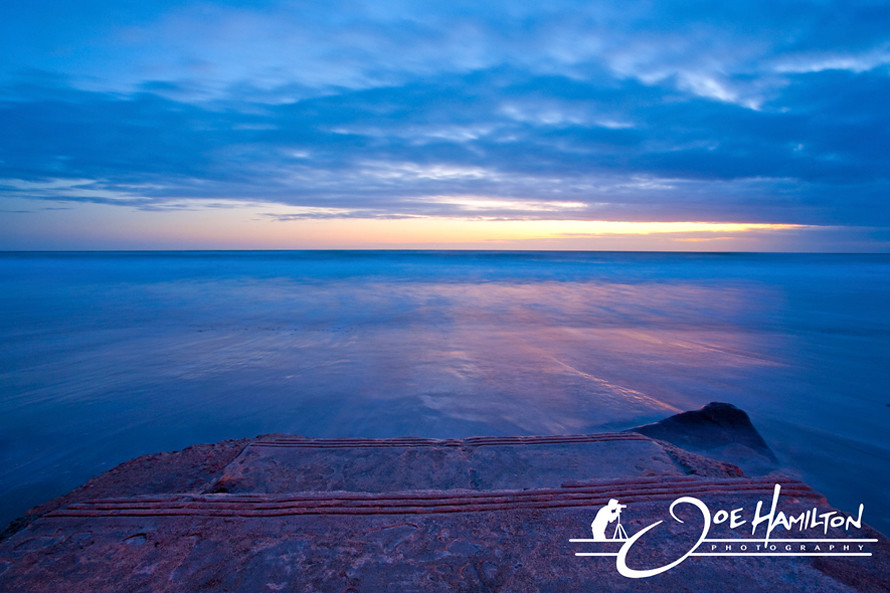
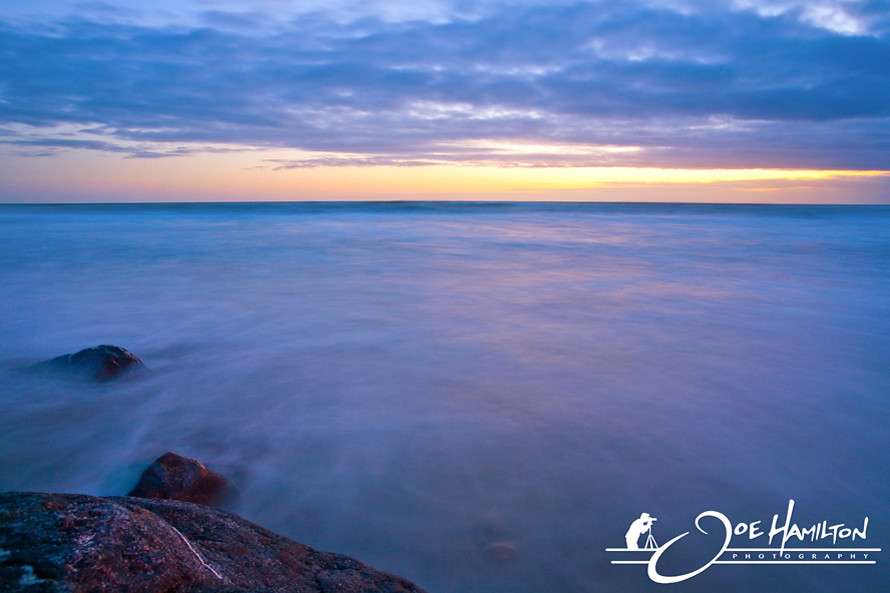
Oceanside, California Sunset - March 2011

Oceanside, California Sunset

f/22 - 1/6s

Oceanside, California Sunset

f/22 - 13s

Oceanside, California Sunset

f/22 - 20s

How to make Bigger Images on Blogger

For some time now I have been curious how to make images bigger then Blogger's photo feature allows. I've searched on Google numerous times before and could not find a how to do on this which was frustrating. Recently came across some info that I found that I thought I would share for anyone wanting to make their images bigger. In a few steps you will have your blog dialed in the way you like it.
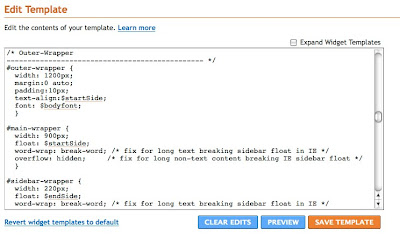
First step is to find out what kind of template you already have to make sure you can host wide enough photos with your template. Log into your Blogger account and click on the "design" button. Next click on the "Edit HTML" button where you will make two simple changes to make your blog wide enough to incorporate the bigger images.
(Before taking another step forward you might consider creating a test blog to mess around with before you make changes to your existing Blog. If you set the test blog to private it will not show up in search engines.)
Next step is to scroll down to where you see "Outer-Wrapper" & "main-wrapper". Change the width on the Outer-Wrapper to 1200 and the main-wrapper to 900.
After you have finished click save and you will not need to mess with this again. Your Blogger layout will now look much wider than before when you check it out.


Next step is to size your images correctly, which I am still working on to see how close I can get to the edge. Your images will need to be 900px or under on the wide side to fit your layout.
Now that your images are cropped and ready you will need to upload them to an outside hosting site like Flickr or Photobucket.
Log in or create an account with one of these hosts and upload your images. Once your image is uploaded click on the image you would to put on your blog and click on the "grab the Link" button. Copy the html code and paste into your new blog post. Hit the preview to make sure everything looks alright.

If your images are not centered on your layout you can add this tag:

to the beginning of the code and this tag:

to the end of it.